

Minecraft banners have become a big part of the gaming world since the game came out in 2011. Minecraft lets players design their own banners, which makes it more than just a game about surviving and exploring. Now it’s also a place to be creative.
This lets players show off their artistic skills by making their own unique banners and icons. This makes playing Minecraft more fun than ever before.
Why Banners Matter in Minecraft?
Banners in Minecraft are more than just decorations. They can be used to show who you are or what group you belong to. These pictures are a cool way to show your style, who you like in the game, and how creative you are.
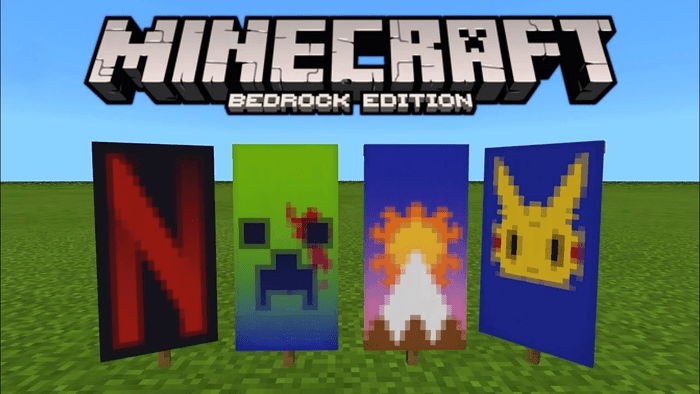
Each banner is like a little story, whether it’s a simple design or a complicated one that shows off the player’s adventures or accomplishments. Banners help show who each player is and make the worlds players build look even better.
How to Make Your Own Minecraft Banners?
Making banners in Minecraft is fun and can make the game even more interesting. First, you need to get some wool and a stick to craft a banner. Then, you can use dyes and a loom to add patterns to your banner.
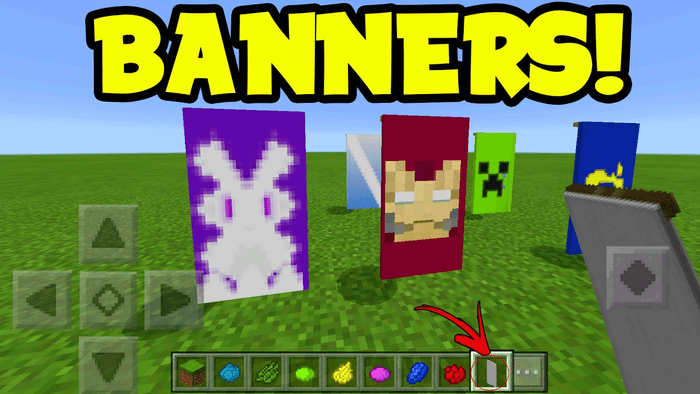
There are tons of possibilities, so you can make anything from stripes to pictures of real things or symbols. You can use your banners to say something, tell a story, or decorate your buildings and worlds.
Banner Art Pro Tips
- Color Magic: Use a color wheel to pick colors that look great together. Opposites on the wheel make your banner stand out, while neighbors create a calmer feel.
- Layering Up: Minecraft lets you add up to 6 designs to your banner. Try placing them carefully to make your banner look deeper and more interesting.
- Nature’s Inspiration: Look around for cool ideas! The best banner designs are often based on things we see in nature, like animal stripes or flower patterns.
Banners Beyond Decoration
Banners in Minecraft aren’t just pretty pictures. In multiplayer games, you can use them for strategy! Mark safe areas, warn others of danger, or hide treasure locations.
Teams can use matching banners to easily tell who’s who, making teamwork smoother. This strategic use of banners makes Minecraft multiplayer even deeper and more fun.
A Thriving Community
Minecraft’s banner customization has created a strong community of creative players. Online forums and social media are full of people sharing designs, getting advice, and inspiring each other.
This keeps Minecraft popular and fresh, attracting new players and keeping veterans happy. There’s even friendly challenges and contests to see who can make the coolest banners!
Minecraft’s customization is awesome, but what’s next? With stronger tech and a focus on creative players, future updates could bring even more ways to personalize the game.
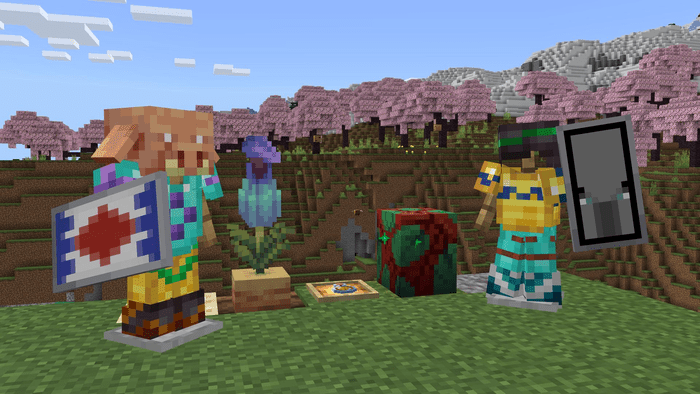
This might make Minecraft even more fun and open up new creative paths for players. Imagine super detailed customizations for everything, maybe even using new tech like AR!
Minecraft Banner FAQs
A: Banners and icons are decorations players can make and personalize. They’re used to show who someone is, what team they’re on, or just to look cool in their Minecraft world.
A: You need wool and a stick. Put six wool blocks of the same color at the top of the crafting grid, then a stick in the middle slot. Use a loom and dyes to add designs!
Q: Can I customize my Minecraft icon?
A: Not exactly with icons, but you can use player skins. Banners can be like moving icons though!
A: Wool and a stick are key! You can use dyes and a loom to add fancy patterns later.
A: Minecraft lets you add up to six different designs to one banner. You can layer them to make them more complex!
Conclusion
Minecraft banners are a cool example of how games can be more than just playing. They let players be creative and turn the game into a work of art. With so many designs possible, Minecraft keeps things fresh and exciting for everyone.
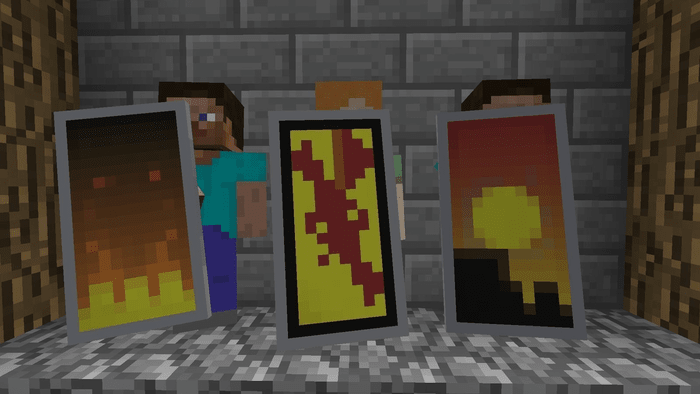
Whether you’ve been playing for a long time or are just starting out, there’s no limit to what you can create.
Banners not only make the game look better, but they also let players show off their own style. This makes Minecraft a world that’s constantly changing and growing, thanks to the imaginations of its players.
